Install on iPhone or iPad
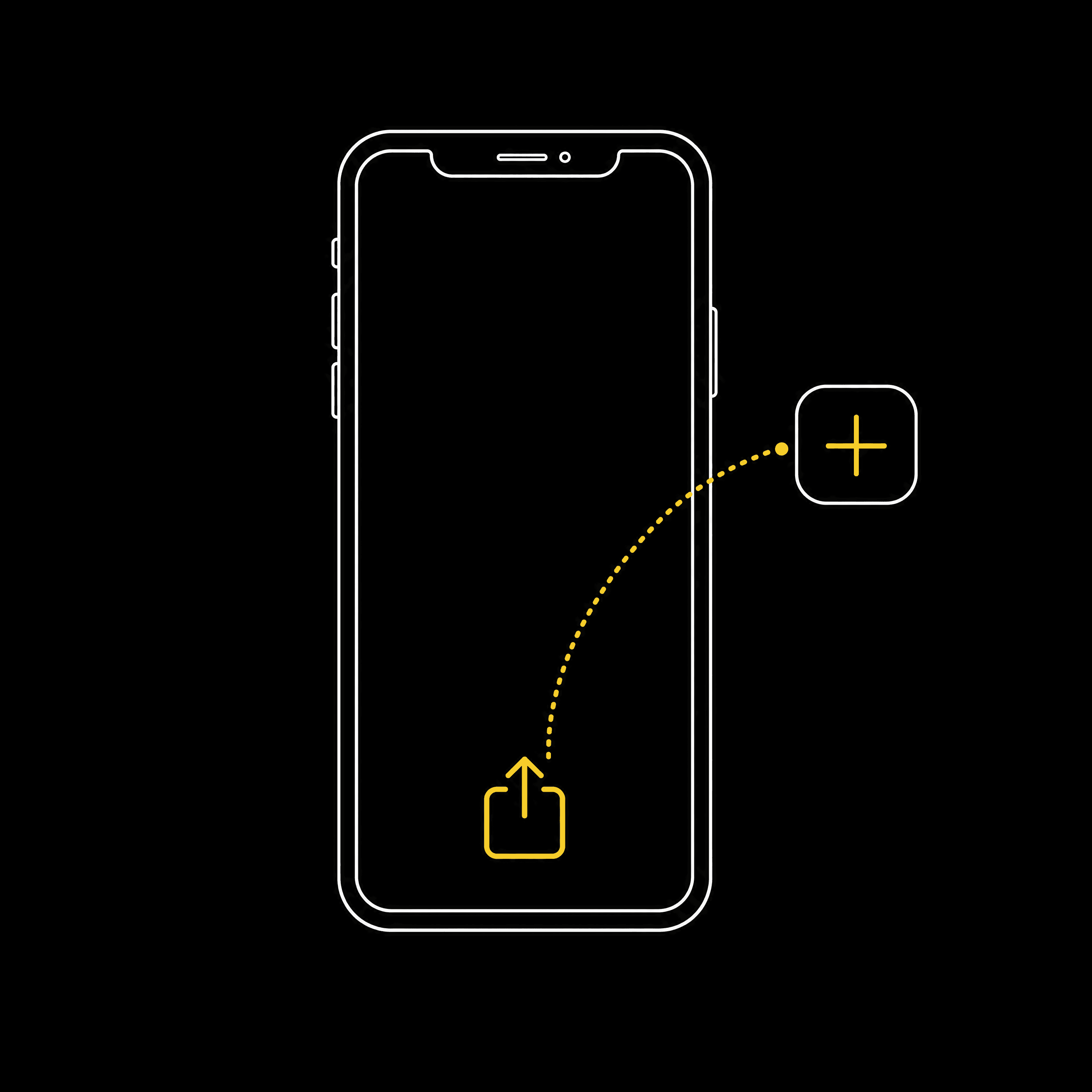
In Safari, add the site to your home screen in three steps:
- 1Tap the Share button at the bottom of Safari.
- 2Scroll down and tap “Add to Home Screen”.
- 3Tap “Add” in the top corner to confirm.
Note: on iPhone and iPad, order and delivery notifications only work after you've installed the app to your home screen.
Install on Android
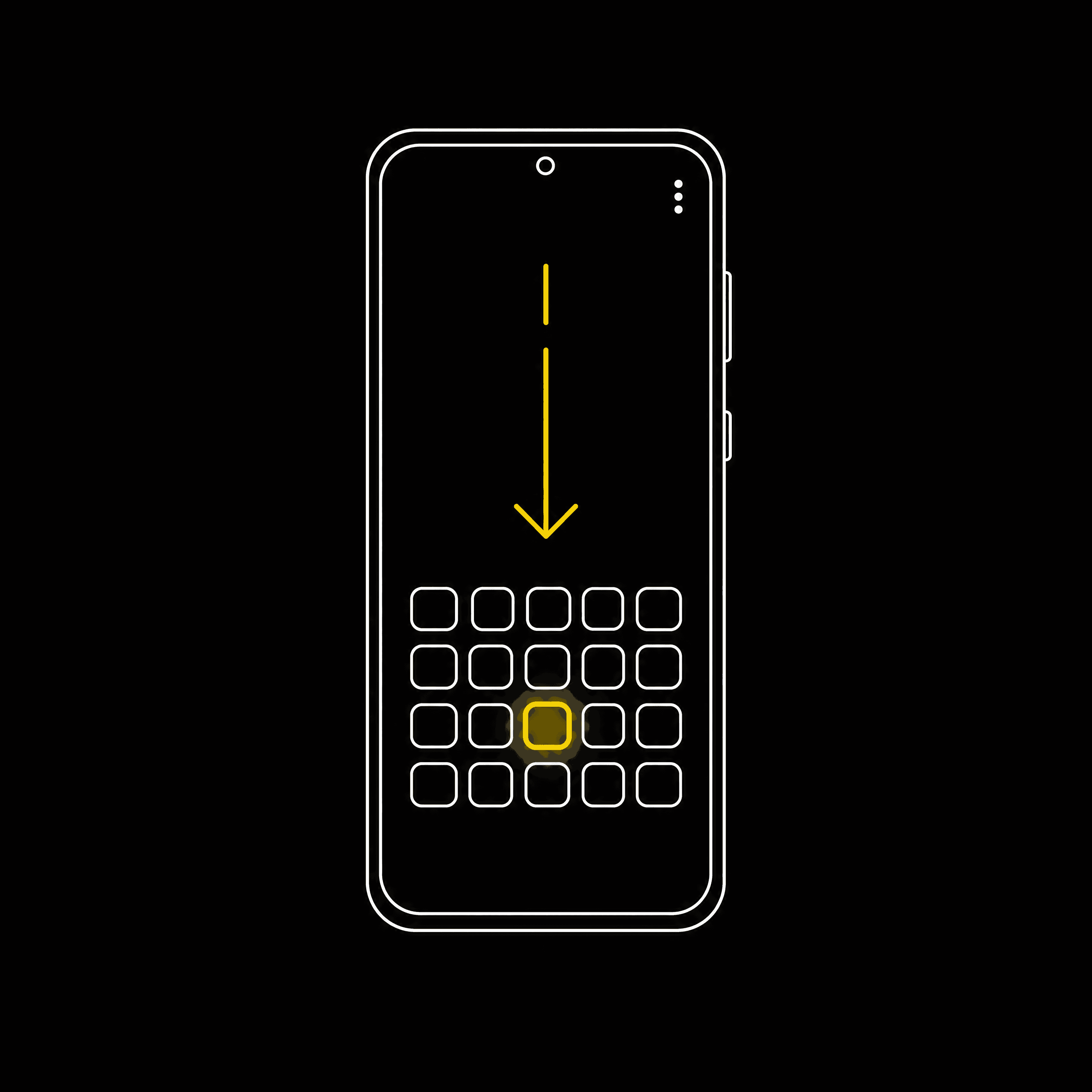
If the button above doesn't appear, install it from the browser menu:
- 1Open the browser menu (the three dots, top-right).
- 2Tap “Install app” or “Add to Home screen”.
- 3Confirm to add it to your home screen.
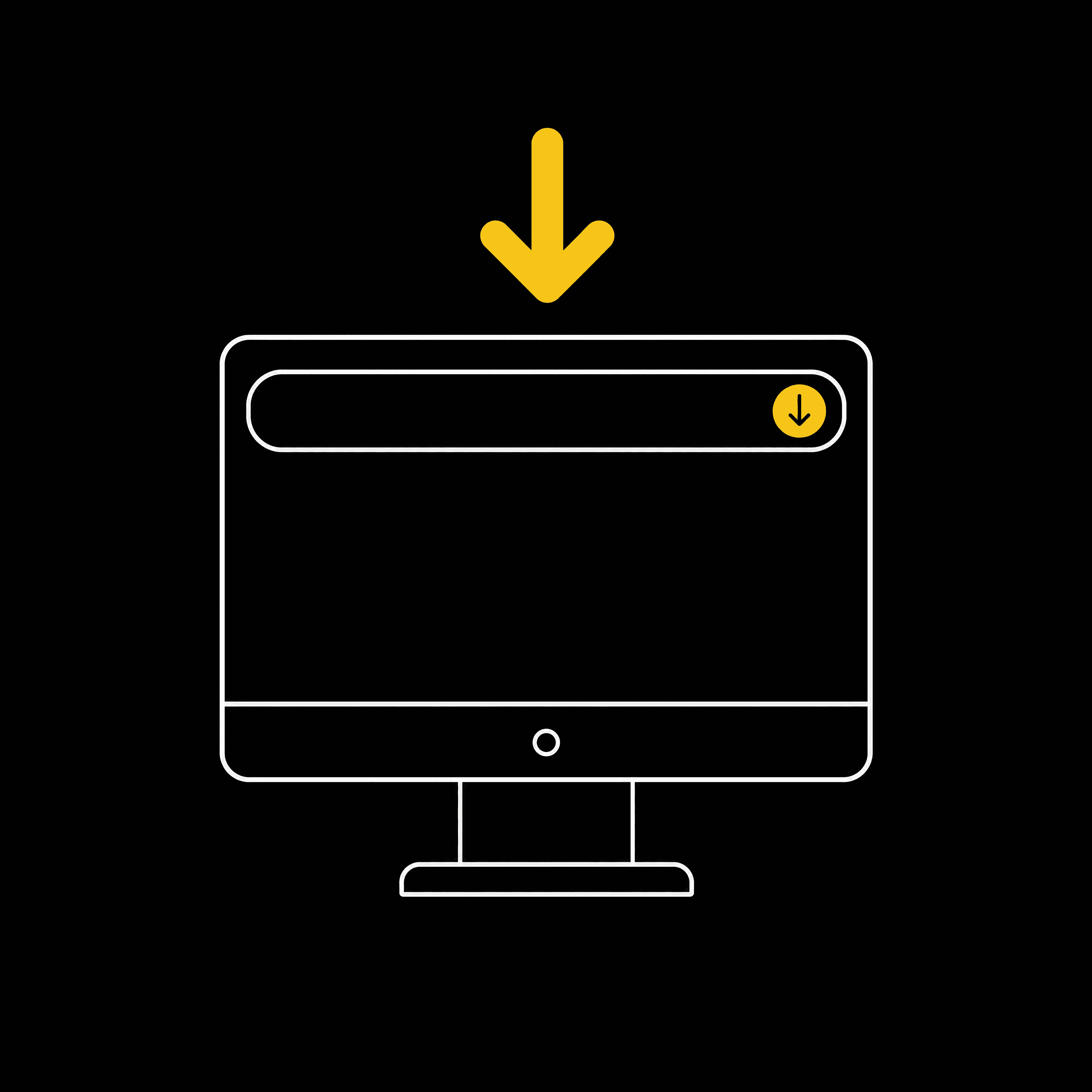
Install on desktop
In Chrome or Edge, look for the install icon at the right-hand end of the address bar, then choose Install. You can also open the browser menu and pick “Install Pineapple Drinks Club”.